Subscribe to receive District & School Notifications
Select what notifications you would like to receive from the District and Schools
To begin the SIGN UP PROCESS, use the link below:
(It will open in a new tab so you can easily reference this page for instructions.)
Once you access the page, click the "Register" option
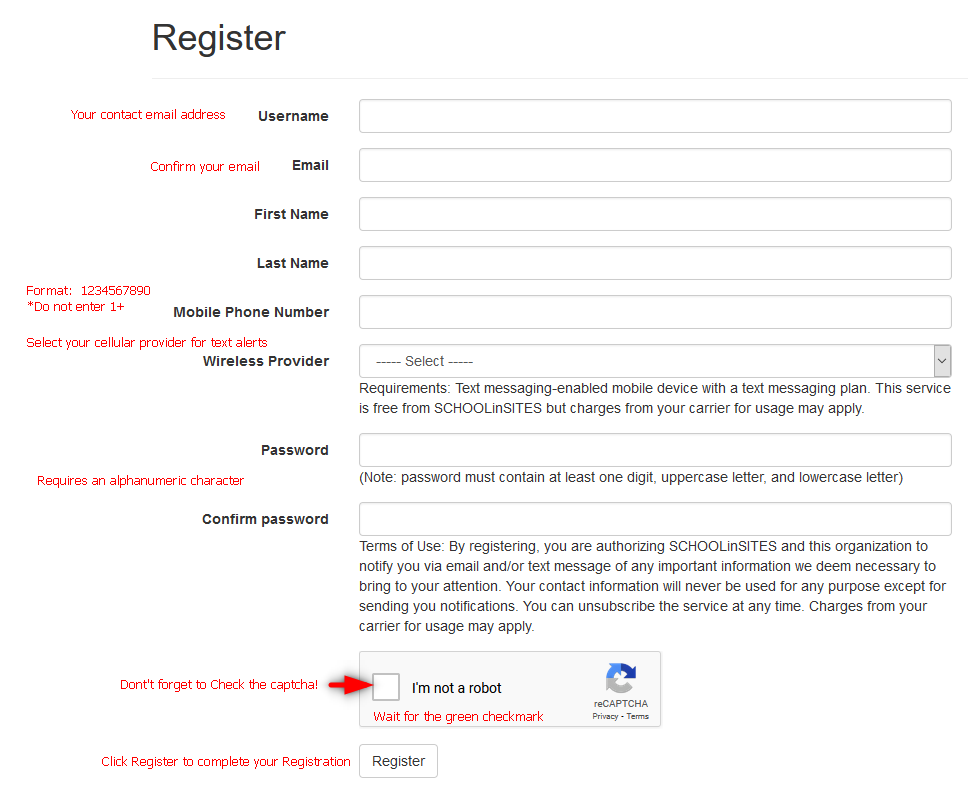
Fill out all the fields on the form.
- Username
- Email address in the next "email address" field.
- (This is for Email Notification)
- Phone Number does not need hyphens between the numbers.
- (This is for Text Notifications)
- Choose your cellphone provider for Text Alerts.- Make sure you choose the correct provider.
- Your Password requires at least 1 alphanumeric character
- When you click the CAPTCHA checkbox, be sure to wait for the GREEN CHECKMARK before you click REGISTER.
- Click the Register button.
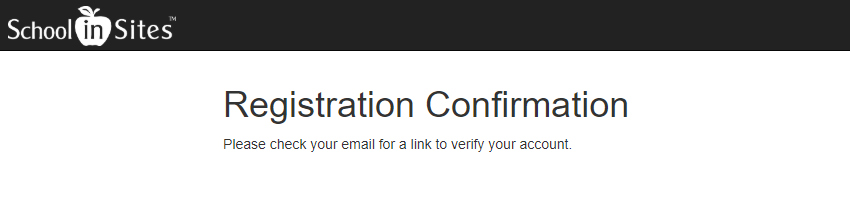
Check your email for a verification email from PCSdonotreply@schoolinsites.com
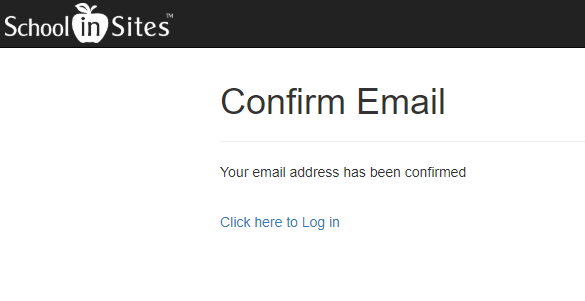
Click the link in the email to confirm your email address
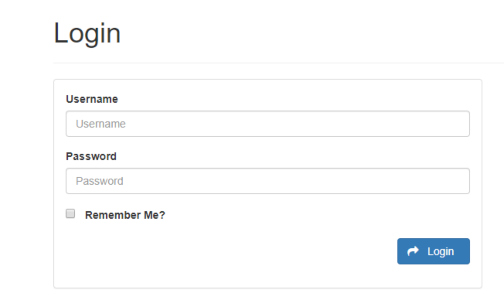
Once your email address has been confirmed you can proceed to the LOGIN PAGE
After your login, you will need to choose what kind of notifications you want to receive.
* Notice the GROUP NAMES on the left and your checkmark choices on the RIGHT.
* Check EMAIL if you wish to receive email notifications on that GROUP NAME "District Notifications"
* Check SMS if you wish to receive text notifications on that particular GROUP NAME.
CLICK SAVE WHEN DONE
* Notice the GROUP NAMES on the left and your checkmark choices on the RIGHT.
* Check EMAIL if you wish to receive email notifications on that GROUP NAME "District Notifications"
* Check SMS if you wish to receive text notifications on that particular GROUP NAME.
CLICK SAVE WHEN DONE
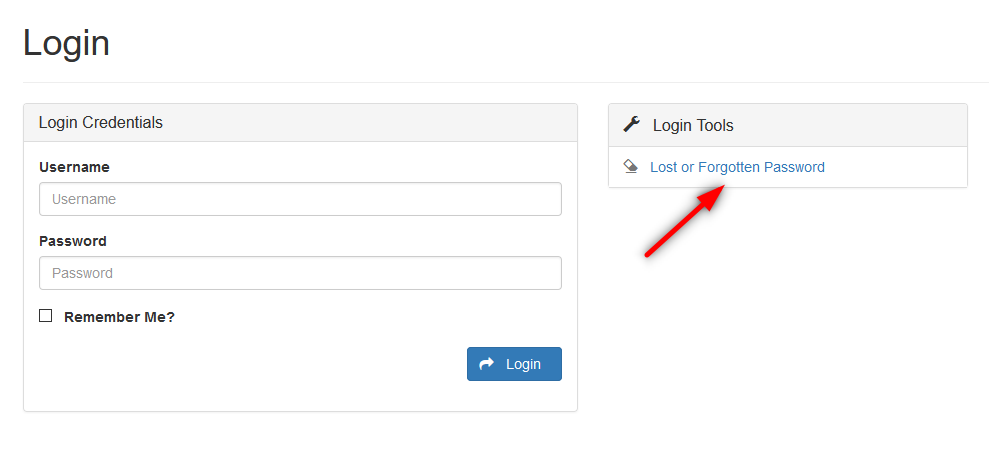
HAVING ISSUES LOGGING IN?
If you have login issues - You can now reset your own password through the Login page, as long as you have verified your email address

Need to Unsubscribe?
To Unsubscribe from NotifyMe Alerts:
1. Go to the Registration page
2. Log in with the same information you used when you set up your account.
3. Uncheck the "Notification Groups" that you do not want to receive.
4. Click SAVE when done